How to Access Live Cricket Odds Feed and In-Play Betting API
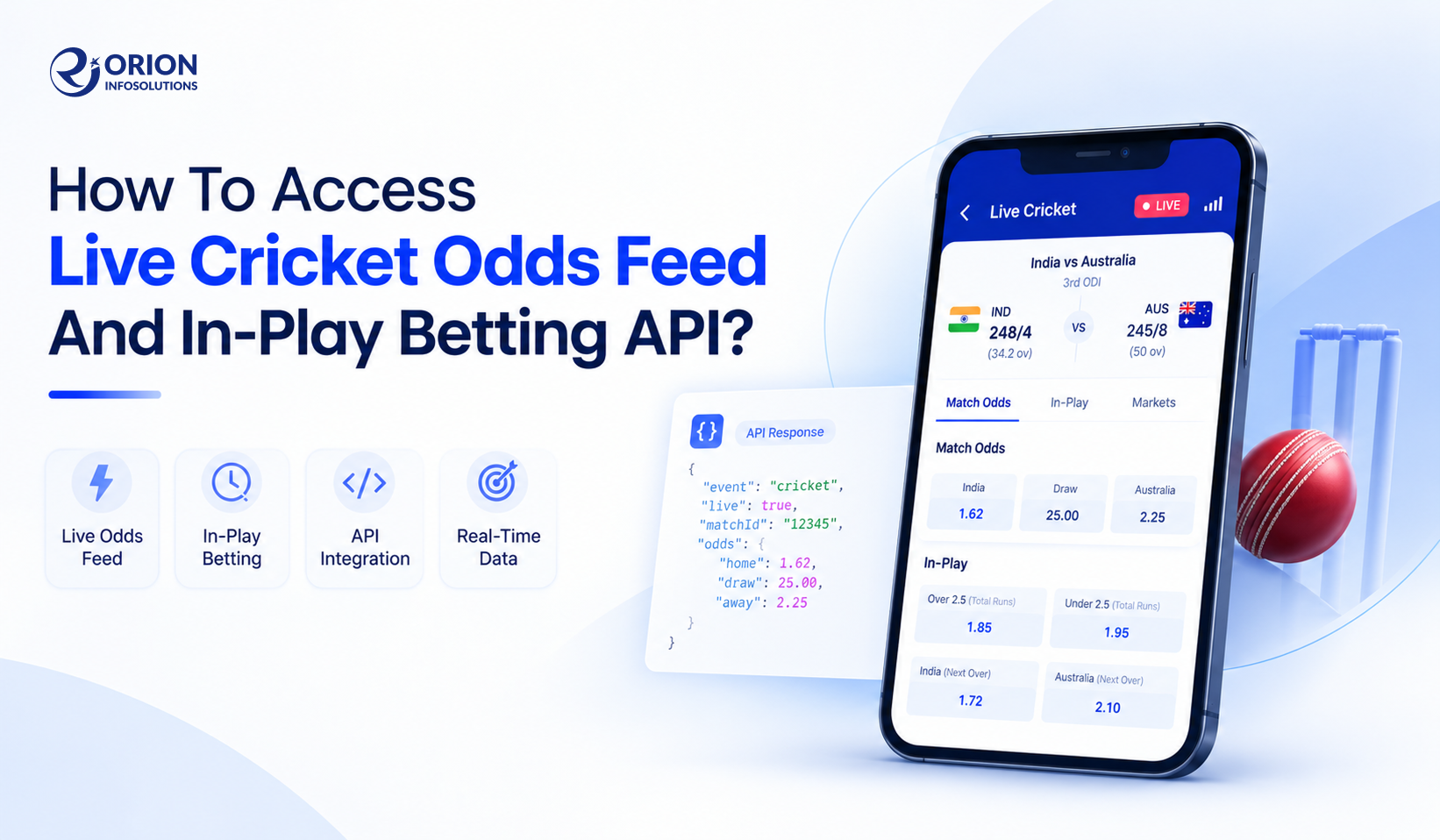
Cricket is one of the biggest betting markets in the world, and the IPL, T20 World Cup, and BBL bring millions of bets every season. But if you are launching a sportsbook or a cricket betting app, you cannot set odds by hand for every match. You need a live cricket odds feed that sends fresh prices to your platform every few seconds.
The real question for most founders is simple: how do you actually get access to it? This blog explains the full process, from choosing a cricket betting API provider to going live with in-play odds.
What Is a Live Cricket Odds Feed and In-Play Betting API?
A cricket odds API delivers pre-match and live betting odds from bookmakers straight to your website or app. Your platform sends a request, and the API replies with matches, markets, and prices.
An in-play betting API goes one step further. It updates odds ball by ball and also tells you the market status, like open, suspended, or settled. So when a wicket falls, your app knows to pause that market right away.
How to Get Access to a Live Cricket Odds Feed
1. Choose a Cricket Betting API Provider
Compare providers on live odds coverage, supported competitions, update speed, and reliability. Check if they offer a cricket odds API, a cricket data API, or both. Also confirm that the markets you need are included, and read their integration documentation and commercial terms before you move ahead.
2. Submit an API Access Request
Most providers do not give instant access. You visit their official website and contact the sales or technical team. Share these details:
-
Your platform type and target markets
-
Expected traffic
-
Whether you need pre-match odds, in-play odds, or a complete package
Example: "We are launching a cricket betting app for India and UAE. We need IPL and international T20 match-winner and over-by-over markets, with live odds." A clear request like this gets you faster and more accurate pricing.
Also ask for pricing, plans, documentation, and integration support.
3. Select an API Plan and Obtain Credentials
Compare the plans based on data limits, supported markets, and usage restrictions. Then complete the registration and commercial approval. After approval, you will receive an API key or authentication token. Also ask if a sandbox is available, so you can test before going live.
4. Review API Documentation and Endpoints
Read the documentation carefully. Look for:
-
Authentication method, request parameters, and response format
-
Rate limits
-
Endpoints for live matches, fixtures, markets, and odds
-
Support for REST, WebSockets, or both
-
Error codes, timestamps, and market identifiers
How to Integrate a Cricket Odds API Into Your Platform
1. Authenticate API Requests
Set up the API key on your server, never in the app code. Store it in environment variables or a secrets manager, then send a test request to confirm it works.
2. Retrieve Live Cricket Matches and Betting Markets
Fetch active matches from the documented endpoints, then pull the markets and odds for each one. Map the match IDs, team IDs, market IDs, and selection IDs to your own database. Filter the response so users only see the competitions and markets you offer.
3. Connect the In-Play Betting API
Pull the current odds for matches in progress, using polling or WebSockets depending on what the provider supports. Your system should handle odds changes, market suspensions, match status updates, and completed events. Refresh the data as per the provider's update frequency.
4. Display Live Odds on Your Website or App
Connect the backend to your frontend and show match details, markets, selections, and current odds. Add update timestamps and market status. Most importantly, block users from placing bets on suspended or outdated markets.
5. Test and Deploy the Integration
Test in the sandbox first. Check that odds map to the correct events, and test for reconnections, API errors, rate limits, and stale data. Go live only after the data is accurate and production access is confirmed.
REST API vs. WebSocket for Live Cricket Odds
A REST API works on request and response. Your server asks for data, and the API sends it back. It is simple to build and good for fixtures, pre-match odds, and results.
A WebSocket keeps one connection open, and the provider pushes updates the moment they change. It is better for in-play odds, where prices move every ball.
|
REST |
WebSocket |
|
|---|---|---|
|
Update delivery |
On request. Your server asks, "What are the odds now?" and the API answers. Odds can change between two requests. |
Continuous push. The provider sends the new odds the moment they change, so you never have to ask. |
|
Connection |
New request each time. Every call opens, fetches, and closes, like sending a fresh message. |
One open connection. It stays open during the match, like a phone call that does not hang up. |
|
Resource usage |
Higher with frequent polling. Asking every second means thousands of calls and may hit your rate limit. |
Lower for live data. One connection carries all updates, so there are fewer wasted calls. |
Which one to use? Use REST for fixtures, pre-match odds, and results. Use WebSockets for in-play odds. The reason is how each one works. As per MDN Web Docs, a WebSocket lets you receive responses from a server without polling it for a reply.
In practice you need both: REST gives you the starting snapshot, and the WebSocket keeps it fresh. According to the OddsPapi WebSocket API documentation, the recommended production setup is to fetch the first snapshot through REST and then connect the WebSocket for real-time updates. For in-play cricket, where odds can change after every ball, this mix is the safer setup. Whatever you pick, test it in the sandbox on your own matches before you go live.
What Data Can You Access Through a Cricket Betting API?
-
Live and upcoming cricket fixtures
-
Pre-match and in-play odds
-
Match-winner and other betting markets
-
Market status and selection prices
-
Live scores, innings information, and ball-by-ball data (if supported)
-
Match results and settlement data (if included)
Get Cricket Betting API Access for Your Platform
Orion InfoSolutions developed EuroBet, a sports betting app for the EuroBet online web portal. Users could place bets from their mobiles with real and virtual money, watch live scores and simulations of sporting events from around the world, and bet on match outcomes or key moments while the game was running.
Challenges in the project
-
Live scores and odds without delay
-
One product on iOS, Android, and web
-
Secure logins, deposits, and withdrawals
It reports a 20% rise in EuroBet's revenue along with better user engagement. The backend ran on a Laravel-based JSON API with a MySQL database, and this is the exact layer where a cricket odds API plugs in. It authenticates requests, receives live odds, and passes clean data to the app.
How Orion InfoSolutions can help you
-
Understand your cricket markets, competitions, and pre-match or in-play needs before you pick a provider.
-
Integrate the cricket odds API and in-play betting API (REST, WebSocket, or both) into your backend.
-
Build your betting app for iOS, Android, and web, with wallet history, 2FA, and admin controls.
-
Test the feed in a sandbox for stale data, rate limits, and reconnections before launch.
Also check the gaming laws of your target market before you launch.
Contact Orion InfoSolutions to discuss your data requirements, supported markets, and cricket betting API integration.
Categories
- Sports
- Sports Website
- Fantasy
- Betting
- Software
- Software tools
- Artificial intelligence
- Machine learning
- Programming
- JavaScript
- Digital Marketing
- Marketing analytics
- Mobile marketing
- SEO
- Cryptocurrency
- Decentralized Application (dApp)
- Smart Contract
- Blockchain Security
- Blockchain Software
- Website Development
- Front-end Web
- Back-end Web
- Full-stack Web
- Web Development Software
- Web Services
- Web Development Trends
- eCommerce
- Mobile App Development
- Hybrid App
- Cross-platform App
- Android App
- iOS App
- E-commerce App
- Social Networking App
- Health and Fitness App
- Education App
- Travel and Tourism App
- Food and Drink App
- Entertainment App
- Productivity App
- Utility App
- Fantasy App
- Wearable Device
- PhoneGap
- Dating App
- Real Money App
- Game Development
- Puzzle games
- Board games
- Card games
- Casino games
- AR and VR games
- Multigaming



My Name is DC Kumawat. I am CEO of Orion InfoSolutions, a leading provider of game development solutions to businesses of all sizes. I keep a strong focus on the new technologies that are driving our digital world. As an IT entrepreneur, I believe that it is my mission to break down these difficult market changes into useful insights for my community.